
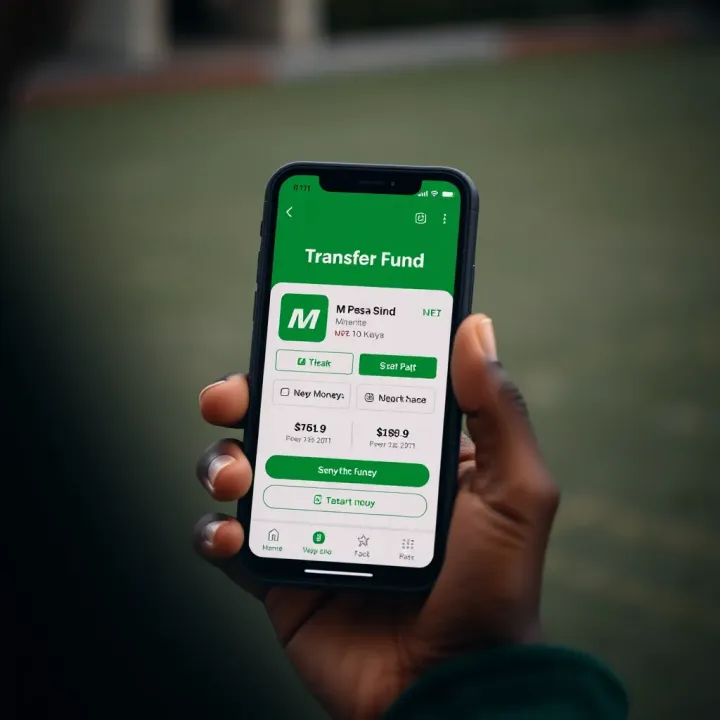
How to Deposit Money to Deriv via M-Pesa in Kenya
💰 Learn how to deposit funds to your Deriv account using M-Pesa easily. Follow clear steps, tips, and avoid common hurdles when adding KSh via mobile money in Kenya.
Edited By
Emily Clarke
Funding your Deriv trading account from Kenya is straightforward when using M-Pesa, Safaricom's trusted mobile money service. This method offers a fast and secure way to move funds without the hassle of traditional bank transfers. Whether you've just opened your Deriv account or already trade actively, understanding how to deposit money with M-Pesa will save you time and let you start trading quickly.
Unlike some international platforms that require complex procedures or bank intermediaries, Deriv integrates well with M-Pesa to suit Kenyan traders' needs. You’ll only need an active M-Pesa account and a registered Deriv trading account to begin.
Ensure your Deriv account is fully verified with valid identification to avoid delays.
Double-check your M-Pesa balance and transaction limits so that your deposit goes through smoothly.
Confirm that the phone number registered on Deriv matches your M-Pesa number to avoid mismatched payments.
Deposits through M-Pesa are usually processed instantly, allowing you to start trading without waiting.
The process typically involves initiating payment from your M-Pesa app or SIM toolkit by sending money to Deriv's provided paybill or till number. You will then enter a unique reference or transaction ID to link your payment to your trading account. This step is crucial for ensuring your funds reflect correctly on Deriv.
Next sections will guide you step-by-step on how to perform the deposit, how to stay safe during transactions, and solutions if you encounter problems. By following the clear instructions tailored for Kenyan users, you'll avoid common pitfalls and make deposits confidently.
In summary, M-Pesa funding makes trading accessible and practical for Kenyans. With quick setup and speedy transfers, you can focus on your market strategies without worrying about funding complications.
Depositing funds to your Deriv account using M-Pesa in Kenya is straightforward, but getting started the right way sets the foundation for smooth transactions. This step ensures your trading activities won't hit unnecessary bumps, especially with Kenya’s popular mobile money system. For instance, setting up your Deriv account properly and linking it to your active M-Pesa mobile number keeps deposits and withdrawals efficient and secure.
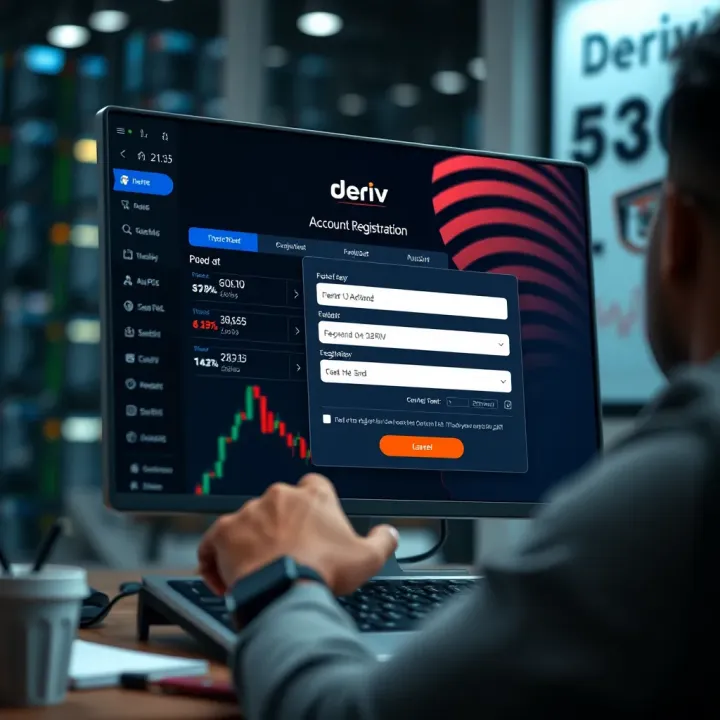
Registering on Deriv's platform requires you to create an account by providing your email, choosing a password, and selecting your country—in this case, Kenya. This process is user-friendly and quick, often taking less than ten minutes. The key is to use a valid email, as important trading-related communications and verifications are sent there.
Completing identity verification is more than a formality; it aligns with regulatory requirements and safeguards your account. You’ll need to submit a government-issued ID such as a Kenya National ID, plus a proof of residence document like a utility bill. Verified accounts enjoy higher deposit and withdrawal limits, reducing delays during busy trading periods.
Understanding account types on Deriv helps you choose what suits your trading goals. For example, you might select a synthetic indices account if you want to trade 24/7, or a forex account for foreign exchange trading. Each account has different conditions and leverage options, so knowing the difference helps you manage risks better.
Registering your mobile number on Deriv involves adding the same phone number linked to your M-Pesa account during the deposit process. This creates a direct connection between your mobile money and trading profile. It avoids confusion and helps in quick reconciliation of deposits.
Before you start, ensuring your M-Pesa account is active is crucial. Check that your phone number is registered with Safaricom’s M-Pesa service and that your account is in good standing—no blocks or pending issues. This prevents failed payments that can disrupt your trading operations or delay fund availability.
Lastly, confirming supported payment methods on Deriv is necessary because not all Kenyan payment IDs or services are accepted. Deriv currently supports M-Pesa Lipa Na M-Pesa Paybill, which means you pay directly from your M-Pesa wallet using a Paybill number provided by Deriv. Confirming this beforehand saves you from sending money through unsupported channels or fake accounts.
Starting with a well-set account and a correctly linked M-Pesa number ensures that your trades are funded promptly and safely, allowing you to focus on your trading strategy without payment hassles.
Taking time with these initial steps makes your entire trading journey smoother and avoids the kind of delays or errors that frustrate both new and experienced users.
Depositing funds into your Deriv account via M-Pesa is straightforward once you understand each step clearly. This guide takes you through the process, helping avoid common mistakes and delays. By following these instructions carefully, you ensure your money moves securely and promptly, allowing you to focus on your trading activities.
Start by logging into your Deriv account using your username and password. Use a secure and private internet connection to avoid unwanted access. If you’ve forgotten your credentials, the recovery options on Deriv’s login page can help you reset them safely.
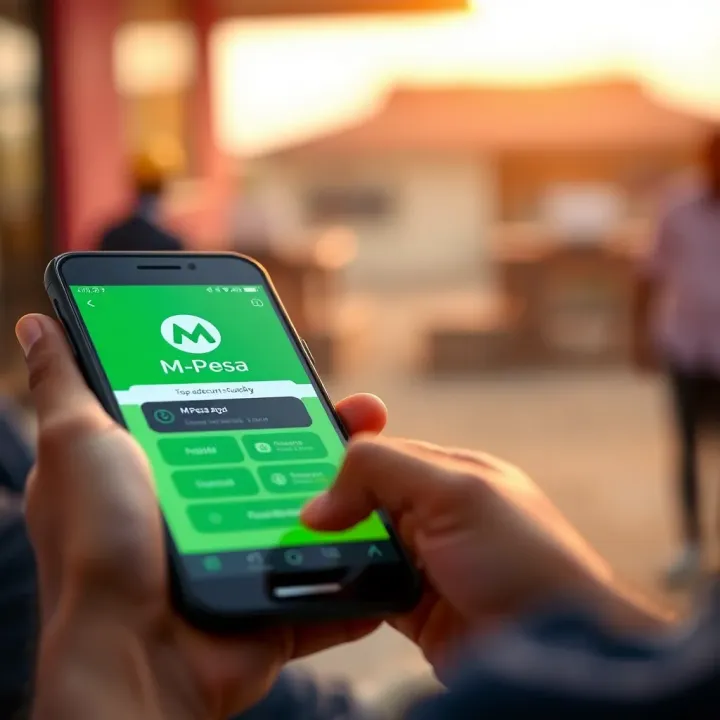
When you navigate to the deposit section, choose M-Pesa as your preferred payment method. Deriv supports various deposit options, but since M-Pesa is widely used in Kenya for mobile payments, selecting it directly helps simplify the process and reduces possible transaction complications.
Deriv lets you enter the deposit amount you'd like to add, usually displayed in your local currency, Kenyan Shillings (KSh). It’s important to input the exact amount you intend to deposit. For example, if you plan to fund your account with KSh 10,000, type that number carefully. This helps avoid errors and ensures the correct sum appears in your trading balance.
Before confirming the payment details, double-check all inputs. Verify the amount, payment method, and any reference or account numbers displayed. Confirming this information prevents delays or loss of funds caused by wrong entries. It also saves you from extra follow-ups with the support team.
Deriv uses the Lipa Na M-Pesa Paybill service, which is designed for business payments. On your mobile, go to the M-Pesa menu, select 'Lipa Na M-Pesa', then 'Paybill'. Enter Deriv’s specific Paybill number provided on the deposit screen. This method ensures the funds are credited directly to your Deriv account.
When prompted, enter the account or reference number displayed on Deriv’s platform exactly as shown. This number typically represents your Deriv account identifier. Getting this right is key – mistakes here can lead your funds elsewhere or cause prolonged delays.
After submitting the payment details, check the transaction summary before confirming. Make sure all information is correct. Once confirmed, wait for the confirmation SMS from Safaricom showing the transaction’s success. Keep this message safe until the funds reflect in your Deriv account.
Usually, your deposited funds show up in Deriv within a few minutes. However, delays may occur during peak hours or network issues. Waiting patiently while monitoring your account balance is advisable.
To track your deposit, check your transaction history in the account dashboard. This record confirms if your deposit was received and processed, offering peace of mind.
If your funds do not appear after a reasonable waiting time, contact Deriv’s customer support immediately. Provide them with your Paybill transaction details, including date, time, amount, and the M-Pesa confirmation number. Support teams can trace the payment and resolve any issues swiftly.
Always keep your payment receipts and transaction confirmations until your deposit is fully verified in Deriv. They are your best evidence in case of discrepancies.
Following these steps carefully ensures smooth, secure, and efficient deposit transactions into your Deriv account using M-Pesa. This helps you keep your focus on your trading goals without financial hiccups.
When you’re depositing money into your Deriv account using M-Pesa, keeping your transactions safe is not just important — it’s necessary. Financial fraud and scams are real risks, especially when dealing with online platforms and mobile money transfers. Protecting your personal details and payment information safeguards your funds and trading activities from loss or theft.
The M-Pesa PIN is the key to accessing your mobile money account. Never share it with anyone, no matter the circumstances. Some fraudsters pretend to be from customer care, claiming there’s a problem that requires your PIN. Giving it out can result in immediate unauthorised withdrawals from your account. Always remember that no legitimate service provider, including Safaricom or Deriv, will ever ask for your PIN.
Using strong passwords for your Deriv account adds another layer of security. Choose a password that mixes letters, numbers, and symbols and avoid common phrases or easily guessable personal information like your name or birthdate. Consider changing your password periodically and avoid using the same password across multiple platforms to reduce risk if one account is compromised.
Another common cause of financial loss is clicking on suspicious links or falling for scam messages. These might look like official Deriv or M-Pesa communication but can steal your login data or lead to fake payment pages. Always access Deriv's platform directly via their official website or app, and ignore unsolicited messages claiming urgent actions on your account. If in doubt, confirm with Deriv customer support before proceeding.
Before sending money, confirm you have the official Deriv paybill number. Using the wrong paybill can mean your funds go to a scammer or get lost in the system, taking weeks to recover, if at all. Deriv’s official paybill is shared only via their verified channels — such as their customer portal or official correspondence. Never rely on numbers from unofficial social media posts or messages.
Besides paying attention to the paybill number, verify the account or reference number carefully for your deposit. Mistyping this number can delay fund reflection or cause your money to be credited to another user's account. Double-check the digits before completing your M-Pesa payment and keep the transaction confirmation until you verify funds have appeared in your Deriv wallet.
Always take your time reviewing payment details before sending money. A cautious approach helps avoid unnecessary delays and potential losses in your trading funds.
Being vigilant about these security steps ensures your trading experience with Deriv is smooth and protected. With M-Pesa’s convenience, you can fund your account efficiently, but security cannot be an afterthought — it must be part of every transaction you make.
Mistakes or delays in M-Pesa transactions can disrupt your trading plans, especially if you rely on timely deposits at Deriv. Knowing how to handle common problems helps you minimise downtime and protects your funds. Kenyan traders often face hiccups like failed payments, slow fund reflection, or input errors. Clear steps to resolve these issues keep your account active and your trading uninterrupted.
When your M-Pesa deposit does not show up in Deriv promptly, start by checking your M-Pesa transaction confirmation. Confirm the payment went through successfully with a valid reference number. Sometimes network congestion or M-Pesa system updates can delay fund transfers to Deriv.
If the payment was successful but funds take longer than 30 minutes to appear, give the system some time, especially during weekends or public holidays when processing times usually slow down. Avoid retrying the deposit immediately to prevent double deductions.
However, if the delay extends beyond a few hours, log into your Deriv account to check the transaction history. If the payment is still unacknowledged, clear cache from your browser or app and refresh. If the issue persists, it's best to reach out to Deriv customer care with your payment details for investigation.
You should contact Deriv customer service when your deposit remains missing after a reasonable waiting period or when you notice discrepancies in amounts credited. Their support team can track payments internally and provide updates on your funds’ status.
Incorrect Paybill numbers or reference information can lead to lost funds or failed deposits. It’s crucial to double-check the details entered before completing the transaction.
If you notice that you used the wrong Paybill number or reference, report it to both Safaricom and Deriv as soon as possible. Safaricom has established procedures to trace and reverse transactions sent to incorrect Paybills, but you need to act quickly. Provide proof of payment such as the M-Pesa transaction receipt.
Retrieving lost funds often involves contacting Safaricom’s M-Pesa customer care and Deriv’s support simultaneously. Safaricom can freeze or reverse the payment if it hasn’t been claimed, while Deriv can assist in verifying payments received. Keep all related transaction records handy as these will speed up the recovery process.
Always save your M-Pesa payment receipts and screenshots during deposits; they are vital when sorting out payment issues or wrong entries.
Being proactive and following proper steps on payment errors or delays ensures your trading capital stays safe and accessible. This knowledge helps you navigate through the occasional hiccups while using M-Pesa for deposits to Deriv in Kenya.
Making the most of your trading account on Deriv starts with managing your deposits and withdrawals smartly and ensuring your transaction process is smooth. Optimising these activities helps you react quickly to market changes and maintain control over your investment funds at all times. For example, delays caused by slow internet or inaccurate balance tracking can mean missing a trading opportunity or making the wrong decision.
Having a stable internet connection is key when depositing funds with M-Pesa on Deriv. In Kenya, network coverage varies widely — so if you trade while on the move or in areas with poor signals, transactions might fail or take longer to process. To reduce these risks, use a reliable provider like Safaricom or Airtel with good coverage in your area. Also, switching to Wi-Fi at home or office can offer a steadier connection, reducing chances of dropped payments.
Your phone’s security matters just as much. Keep your mobile device updated with the latest software and avoid downloading unknown apps, as malware could jeopardise your M-Pesa PIN and Deriv login credentials. Using a screen lock, such as a PIN or fingerprint, protects your device from unauthorised access. Plus, regularly checking app permissions helps ensure no suspicious apps can interfere with your payments.
Tracking your Deriv account balance is essential to avoid overdrawing or unexpected shortfalls during trading. The platform typically updates your balance in real-time after successful deposits, but delays may happen. Frequently checking your transaction history on Deriv and cross-referencing with your M-Pesa statements helps catch discrepancies early. This habit ensures you’re always aware of how much capital you can risk without surprises.
Planning your deposits to align with trading schedules makes your experience smoother. For instance, if you expect to trade during Nairobi market hours or specific forex sessions, try to fund your account well before these periods to avoid last-minute transaction delays from network congestion. Similarly, scheduling withdrawals during off-peak hours can save you time and reduce transaction costs. Proper timing means you stay ahead of price movements and manage your funds with confidence.
Consistency in managing your internet connection and funds leads to fewer errors, faster trading reactions, and a much better overall experience with Deriv deposited via M-Pesa in Kenya.
💰 Learn how to deposit funds to your Deriv account using M-Pesa easily. Follow clear steps, tips, and avoid common hurdles when adding KSh via mobile money in Kenya.

📊 Learn how to use Deriv with TradingView effectively! Get setup tips, strategy advice, and risk management tools tailored for Kenya traders.
💰 Learn about Deriv minimum deposit rules across different payment methods and accounts. Get tips to fund safely and trade smartly in Kenya and beyond.
📊 Learn how to register your Deriv account in Kenya step-by-step! From signup, verification, account types, to trouble fixes, start trading hassle-free.
Based on 12 reviews