
How to Sign In and Use Your Deriv.com Account
🔐 Learn how to safely sign in to your Deriv.com account and navigate its features with ease. Tips for managing your login and fixing common sign-in issues included.
Edited By
Matthew Gray
Signing in to www.deriv.com is your first step if you want to engage in online trading, whether you are a newbie or a seasoned Kenyan trader. Deriv.com offers a straightforward platform for trading various financial instruments, but knowing how to access and navigate it effectively can make a noticeable difference in your trading experience.
To start, you will need to create an account. This involves providing your email address, choosing a strong password, and verifying your identity—steps that protect both your account and personal data. Once registered, the sign-in process is simple but requires attention to detail.
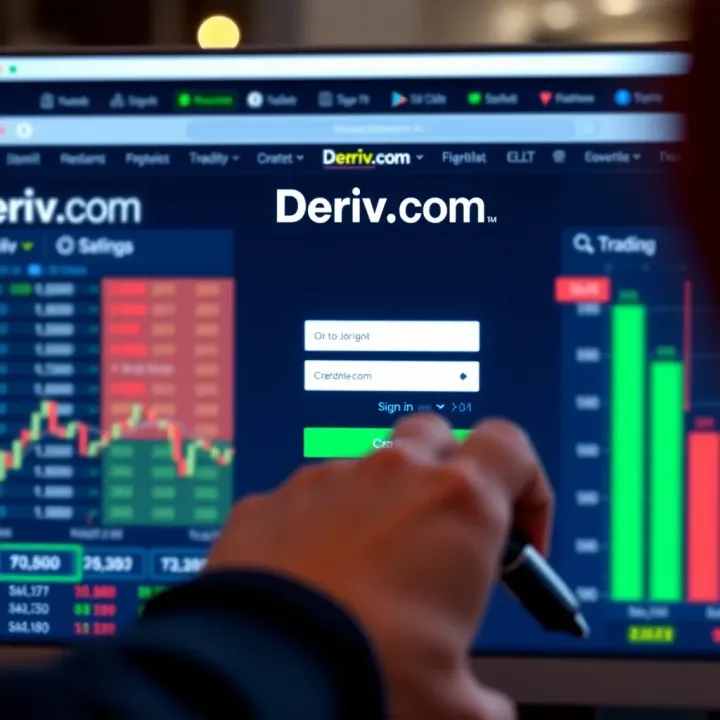
On the sign-in page, input your email and password correctly. Since many users often forget their passwords, the platform includes a "Forgot Password" option that sends a reset link to your email. For users in Kenya, ensure your internet connection is stable, as weak connections sometimes interrupt sign-in sessions.
Keep your password strong and unique to avoid unauthorised access. Using a combination of letters, numbers, and special characters is the best practice.
After signing in, it’s important to familiarize yourself with the dashboard. Here, you can monitor your trades, deposits, withdrawals, and account balance. Setting up your account profile with accurate details helps improve your interaction with customer support and ensures smooth KYC (Know Your Customer) processes.
Here are some quick tips to enhance your experience:
Enable two-factor authentication (2FA) for an extra layer of security.
Check that your internet browser is updated to avoid compatibility issues.
Use a secure device, especially when handling funds.
Regularly review your account activity for any unusual behaviour.
Effective trading starts with a secure and hassle-free sign-in process. By following these steps, Kenyan users can access www.deriv.com safely and confidently, paving the way for better trading decisions and management.
Next, we will explore how to troubleshoot common sign-in problems and optimise your account settings for smoother trading.
Setting up your account on Deriv.com carefully is the first step towards trading successfully. Getting the basics right at this stage helps prevent issues later, such as delays during withdrawals or blockages due to incomplete information. For Kenyan users, understanding how to register, verify details, and choose the right account type will save time and keep your trading experience smooth.
Providing personal details is the first part of signing up. You will need to give your full name, date of birth, and contact details like email and phone number. These details must be accurate since they form the basis of your identity on Deriv.com. For example, if you enter a wrong date of birth, you might have trouble proving your age during verification. It’s like applying for a KRA PIN—accuracy is key to avoid complications later.
Next is verifying your email and phone number. Deriv sends a code or link to confirm that you actually control the address or number you provided. This step helps protect your account from fraud. Think of it like Safaricom confirming your M-Pesa number before you can transact. Without completing verification, access to some platform features might be restricted.
When it comes to choosing account types, Deriv offers various options like demo accounts, real trading accounts, and synthetic indices accounts. Picking the right one depends on your trading goals and experience. For example, a newbie might start with a demo account to practise without risking real money, while an experienced investor may prefer a real account linked to their funding method. This choice affects the kind of assets you can trade and your funding options.
Age and identity verification on Deriv.com is mandatory to comply with regulations and ensure market integrity. You must be at least 18 years old—just like how the law requires for forex trading in Kenya. To verify your identity, you will be asked to upload documents such as your national ID or passport. This process prevents fraudulent accounts and protects you from scams.
Compliance with Kenyan regulations is crucial because Deriv must operate within the law. Kenya requires online trading platforms to register and follow specific rules, including anti-money laundering (AML) and know your customer (KYC) standards. Deriv's verification and monitoring help make sure your trading funds are safe and legitimate. Using a platform that follows these rules minimises risks linked to illegal operations.
Funding options available on Deriv.com are designed to accommodate Kenyan users. You can fund your account through methods like M-Pesa—which is the most popular mobile money service here—bank transfers, or e-wallets. Knowing your funding choices helps plan how to deposit and withdraw money efficiently. For instance, using M-Pesa is widely accessible and typically faster compared to direct bank deposits, especially if you are trading from towns with limited banking facilities.
Getting your Deriv.com account set up with proper details and verification upfront makes your trading journey hassle-free and secure, especially when managing funds and meeting regulatory demands in Kenya.
Signing in to www.deriv.com correctly is the first step towards using the platform effectively. This section walks you through each step, ensuring you avoid common pitfalls that could delay access to your trading account. Whether you're signing in from Nairobi or a smaller town, understanding the process helps you protect your investment and quickly reach your trading dashboard.
Always use the official Deriv website link when signing in. Kenyan traders should be cautious of phishing attempts where fake pages mimic the real platform to steal login details. Bookmark the legitimate page on your mobile or desktop browser to avoid typing errors or falling for false shortcuts sent via email or SMS. For instance, typing "www.deriiv.com" instead of "www.deriv.com" can send you to a harmful site.
Accessing Deriv on mobile or desktop offers slightly different sign-in experiences. Mobile users benefit from simplified pages tailored to smaller screens and can use app-specific features like fingerprint login if available. Desktop users can navigate a broader view of their portfolios and multiple trading options after login, which helps in detailed analysis. While both methods lead to the same account, pick the one that suits your trading habits best.
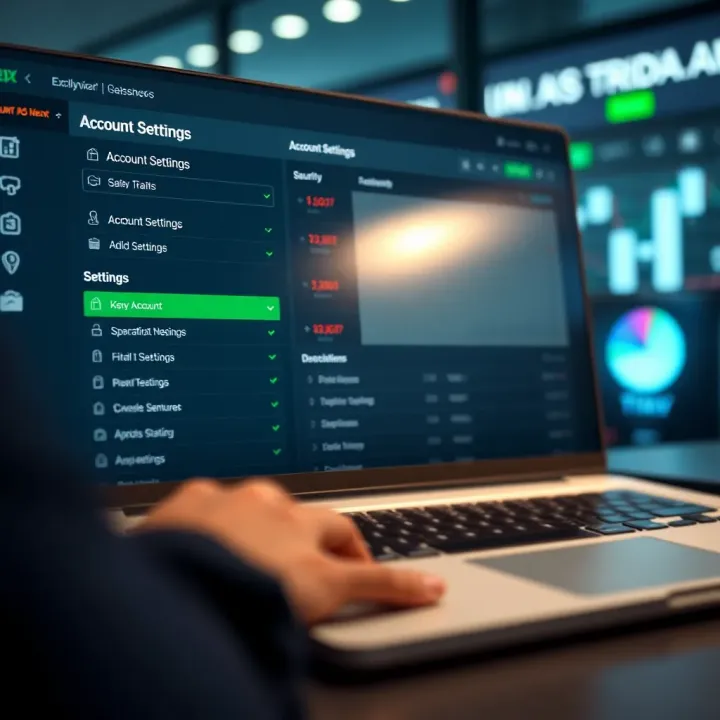
Always enter your username and password as set during registration to avoid lockouts. Kenyan users often struggle with caps lock errors or accidental spaces when using mobile keypads, so double-check before submitting. If you make too many errors, your account might temporarily lock for security reasons.
Setting up two-factor authentication (2FA) adds a crucial security layer by requiring a code from your phone besides your password. For Kenyan users, this is especially helpful because it protects against unauthorised access during common risks like phone theft or SIM swapping. Set up 2FA via SMS or an authenticator app to stay one step ahead of threats.
Deriv may offer login through third-party services like Google or Facebook to simplify access. While this can be convenient and quick, it means your Deriv account security partly depends on your social media account's safety. Make sure those accounts are equally secured with strong passwords and 2FA.
Right after logging in, your dashboard shows available trading instruments such as forex, commodities, indices, and cryptocurrencies. Kenyan traders should familiarise themselves with these options to pick favourites based on market hours and personal knowledge. For example, forex trading might suit day traders in Nairobi, while commodities may interest those following global trends.
Your dashboard clearly displays your account balance and transaction history. Keep an eye on this to track deposit and withdrawal activities, especially when funding your account through M-Pesa or bank transfers. Regular monitoring helps avoid surprises from fees or delays in payments.
The dashboard also links to customer support and educational materials. In case of technical hitches or questions about trading strategies, use these resources promptly. Deriv’s support team can guide you via live chat or email, and the educational sections help sharpen your skills – a valuable asset for both beginners and seasoned investors.
Signing in to your Deriv.com account should be straightforward, but sometimes issues can pop up. Understanding how to sort out these problems fast means you won't miss out on trading opportunities. This section covers the common sign-in hurdles and how to fix them, helping you stay on top of your game without unnecessary delays.
If you forget your password, the process to recover it is pretty simple yet secure. You start by clicking the “Forgot Password” link on the sign-in page, then enter your registered email address. Deriv.com will send you an email with a link to reset your password. This link often expires within a short time, so be sure to act quickly. This step prevents unauthorised users from messing with your account.
When setting your new password, make it strong and unique. Avoid common words or simple sequences like “123456” or “password”. Instead, use a mix of letters, numbers, and symbols. For example, a password like "Der1v@2024Ken" is harder to guess but still memorable. Frequent password updates add another layer of security, especially if you trade regularly on Deriv.com.
Account lockouts typically happen after multiple failed login attempts. This security measure protects you against brute-force attacks where someone tries many passwords to break in. Other reasons for lockouts include suspicious activity detected by Deriv’s system or changes in your login location.
If your account gets locked, contacting Deriv.com support is the next step. Support teams are well-trained and can verify your identity to unlock your account. You can reach them via live chat or email, but be prepared to answer security questions or provide identification. This helps prevent fraud and keeps your account safe.
After you regain access, you will face several security checks. These might include reconfirming your phone number via an SMS code or verifying your identity documents again. Though it feels like extra work, these checks are vital for protecting your investment and personal information.
Browser compatibility is often an overlooked cause of login problems. Deriv.com works best on updated browsers like Chrome, Firefox, or Edge. If you use older browsers or those with too many extensions, the platform might not load correctly or reject your login attempt.
Clearing your browser’s cache and cookies can fix many technical glitches. Over time, stored data might conflict with the website’s latest updates, causing errors or slowdowns. Simply clear cache and cookies from your browser settings and restart it before trying to sign in again.
Also, a steady internet connection is key. Poor connectivity can interrupt data transfers while logging in. If your connection is spotty or too slow, try switching to a more reliable Wi-Fi or data network. Remember, a quick and stable internet line saves you frustration during important trades.
When sign-in problems arise, acting fast and knowing the right fixes can save you valuable time on Deriv.com. Keep these tips handy, so you remain in control of your trading account without hiccups.
Securing your Deriv.com account is essential to protect your investments and personal information from unauthorised access. Online trading platforms are common targets for cybercriminals, and Kenyan users must be especially cautious given the increasing digital activity in the region. Practising strong security measures not only safeguards your funds but also gives you peace of mind, allowing you to focus on making smart trading decisions.
Using unique and complex passwords is the first line of defence for your account. Avoid common sequences like "123456" or simple words such as "password". Instead, create a mix of uppercase and lowercase letters, numbers, and symbols. For instance, a password like "JuaKali!2024" combines a local reference with complexity, making it harder to guess. Never reuse passwords across different platforms; this limits the damage if one account is compromised.
Regularly updating credentials helps prevent prolonged risks from data breaches or leaked information. Set reminders every three to six months to change your Deriv.com password, and make sure the new one differs significantly from the old. While it might seem tedious, this habit reduces chances for attackers to exploit old credentials that may have surfaced in cyberattacks. Kenyan traders who stay consistent with this habit tend to experience fewer account security issues.
Setting up 2FA on your account adds an extra layer of security beyond just a password. After signing into Deriv.com, activate 2FA through settings, choosing an authenticator app like Google Authenticator or Microsoft Authenticator. Each time you log in, besides entering your password, you’ll provide a temporary code generated on your mobile device. This means even if someone gets hold of your password, they cannot access your account without the second factor.
Safeguarding 2FA devices is equally important. Keep your phone or tablet secure by using PINs or biometric locks like fingerprint recognition. Avoid sharing your device with others or installing unknown apps that could compromise your security. Also, backup your 2FA codes or recovery keys safely – losing access to your authentication app without backup can lock you out of your trading account.
Identifying suspicious emails or messages is vital before clicking any links or giving out personal information. Phishing attempts often look like official Deriv.com communications but may contain spelling errors, urgent calls to action, or unusual sender addresses. For example, an email asking you to "verify account details urgently" through a strange link is likely a scam. Kenyan traders should be cautious especially when receiving messages via SMS or WhatsApp claiming to be from Deriv support.
Reporting phishing attempts helps protect other users as well. If you receive a suspicious message, forward it to Deriv’s official support channels without replying. Informing local cybersecurity authorities or platforms like the Communications Authority of Kenya can also aid in tracking down fraudsters. Prompt reporting reduces the risk of widespread scams and protects the wider trading community.
Protecting your Deriv.com account with strong passwords, 2FA, and awareness of phishing scams ensures your money and data stay safe, so you can trade confidently without worry.
Managing your account settings on Deriv.com is essential for a smooth and personalised trading experience. Adjusting your preferences ensures your account reflects your current details and trading style, while keeping your information secure and up to date. This section covers how to update personal information, customise your trading environment, and manage account status effectively.
Keeping your contact information current is vital for receiving timely notifications and important updates from Deriv. For example, changing your phone number or email address promptly avoids missing critical alerts, such as transaction confirmations or security warnings. You can easily update these details within your account settings, ensuring your communication channels remain reliable.
Deriv.com requires users to verify their identity to comply with financial regulations, including Kenyan laws. Uploading valid documents like a national ID, passport, or utility bills helps speed up verification and avoid delays when withdrawing funds. If your documents expire or your profile changes, updating these files promptly maintains your account’s active status and compliance.
Tailoring your trading instruments, such as forex pairs, commodities, or digital options, helps you focus on markets you understand best or want to explore. Deriv.com allows you to set these choices on your dashboard, so your trade lists and charts match your style. For instance, a trader interested in the NSE 20 index can prioritise it for quick access without sifting through numerous options.
Adjusting alerts for price changes, trade execution, or account activities keeps you informed without overwhelming your inbox or phone. You might want notifications only during market hours or alerts on major economic news affecting your instruments. Such customisation helps you act fast while avoiding distractions from unnecessary updates.
If you decide to stop trading on Deriv, closing your account is straightforward but should be done thoughtfully. You’ll need to withdraw any remaining funds and settle pending transactions before requesting closure through the platform’s settings or customer support. This ensures no loose ends remain and your personal data is removed in line with privacy standards.
Sometimes you might want a break without closing your account permanently. Deriv offers the option to temporarily suspend account activities, which can be useful if you want to pause trading during market volatility or personal busy periods. Suspension keeps your data intact and lets you reactivate your account easily when ready to resume.
Regularly managing your account settings not only protects your investments but also tailors your trading environment for efficiency and peace of mind. Make it a habit to review these preferences at intervals and after significant life changes.
🔐 Learn how to safely sign in to your Deriv.com account and navigate its features with ease. Tips for managing your login and fixing common sign-in issues included.
Learn how to sign in to Deriv smoothly 🔐. Step-by-step account creation, troubleshooting, and secure login tips for Kenyan users navigating Deriv’s platform 📈.
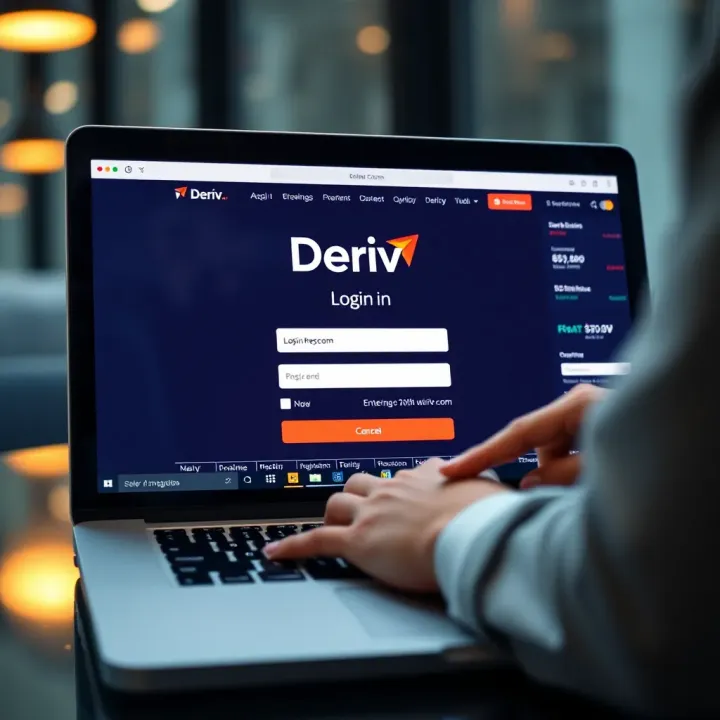
🔐 Learn how to access your Deriv.com account easily! This guide covers login steps, solving common issues, and tips for smooth, secure platform access.

🔐 Step-by-step guide to creating and verifying your Deriv account in Kenya. Learn about account types, funding options, and security tips to trade confidently! 🇰🇪
Based on 7 reviews